Connect Slack, Notion, Confluence, Google Drive, GitHub, Guru, Zendesk, and websites so Ravenna’s AI can answer questions from your own documentation.
Knowledge is what makes Ravenna’s AI useful. You point it at the documentation you already have, Ravenna indexes it, and agents answer from it instead of guessing. Folders are the unit of organization and the unit of permission, so how you group documents decides which channels and agents can see them.Time: about 20 minutes, plus indexing time.
Interactive walkthrough
Step-by-step
1
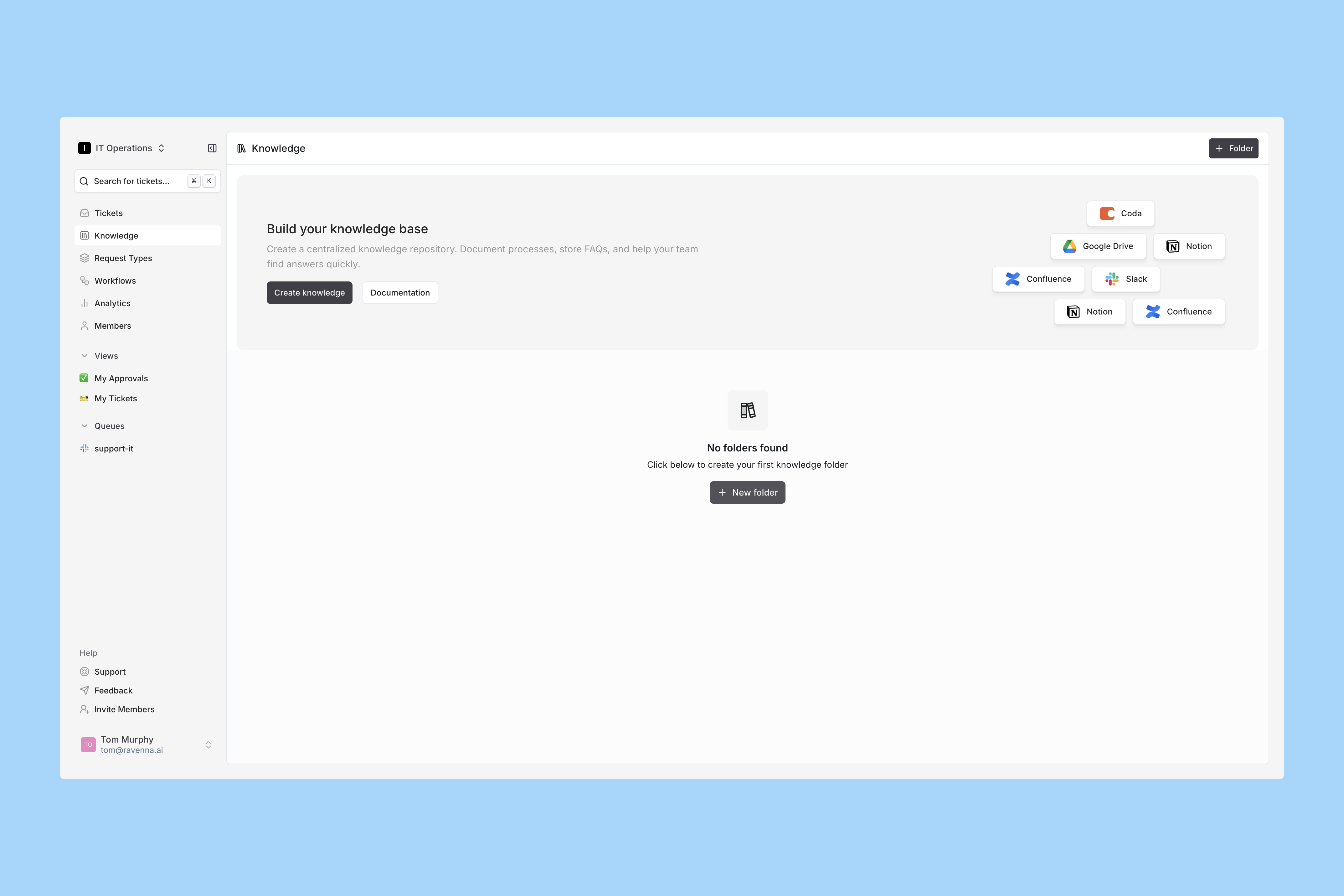
Go to Knowledge
Click Knowledge in the left sidebar.
2
Create your first folder
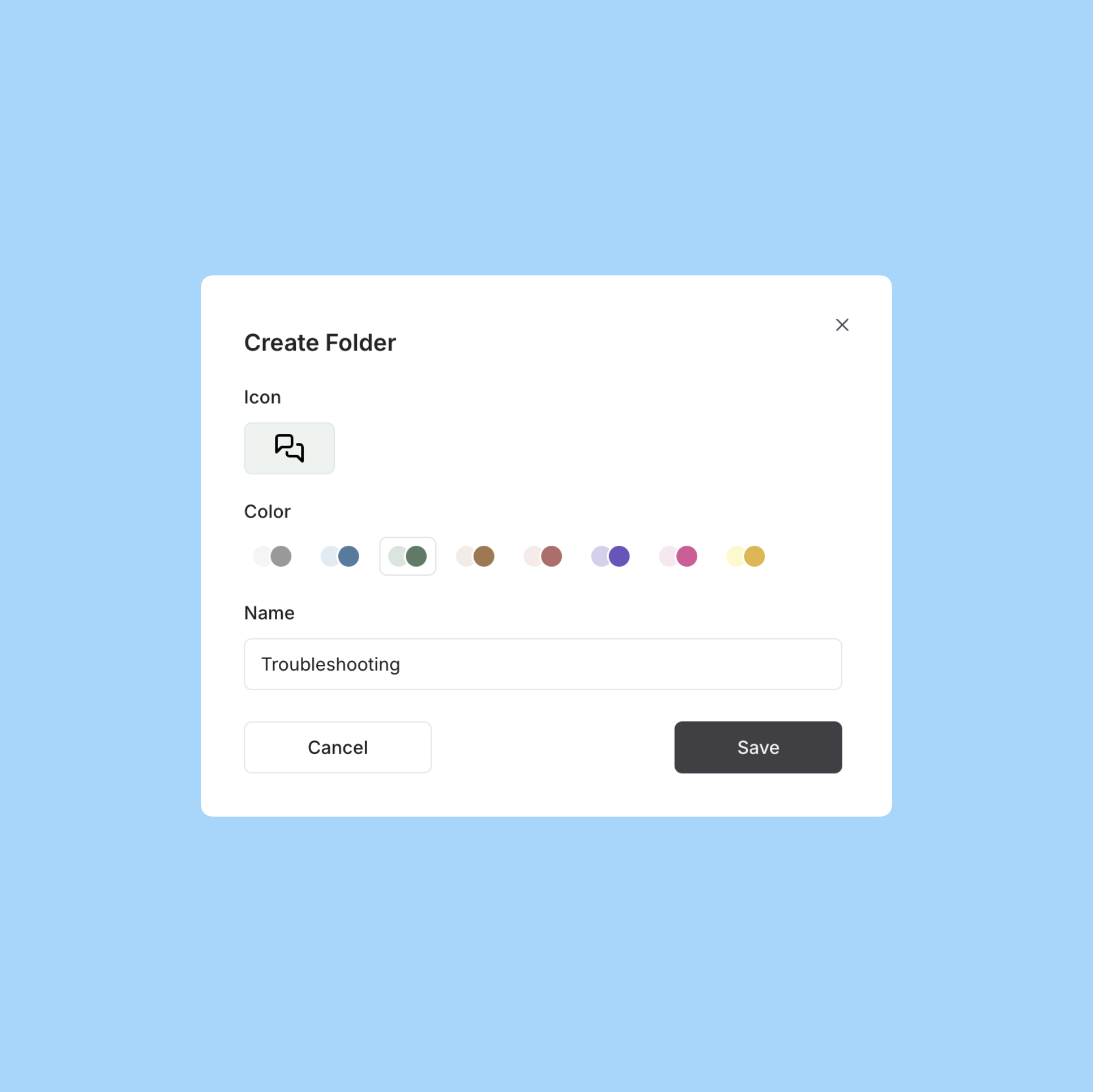
Click New Folder.
Name the folder, pick a color, choose an emoji, then click Save.
Open your new folder to continue.
Name folders after the audience, not the tool. “IT runbooks” and “People policies” scope cleanly to channels and agents later. “Notion” does not.
3
Add a document
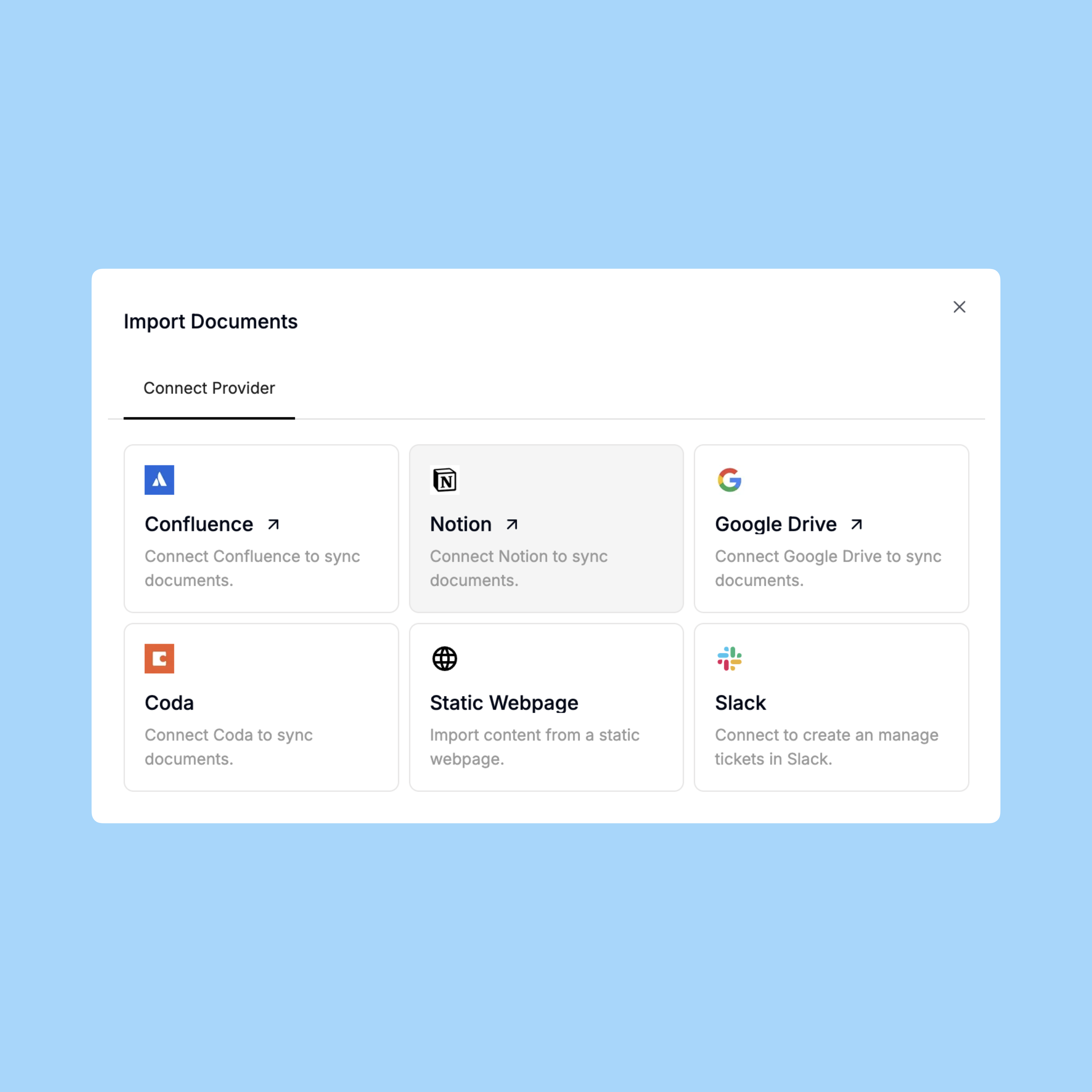
Inside the folder, click Add Document to open the integrations modal.
This example uses Notion. Any source works the same way from here.
4
Select the pages to index
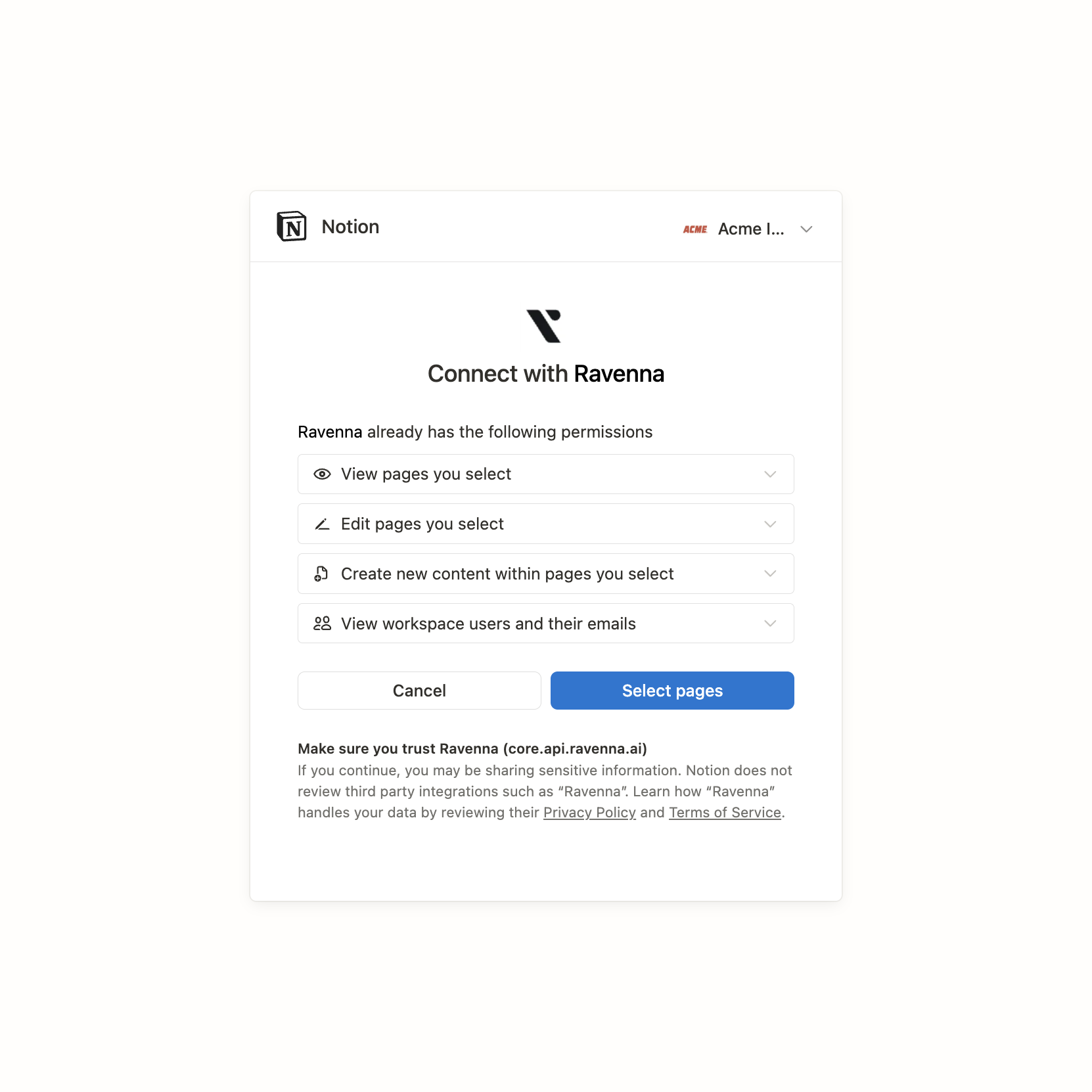
When Notion opens, confirm you are in the correct Notion workspace using the picker in the top right, review the permissions, then click Select pages.
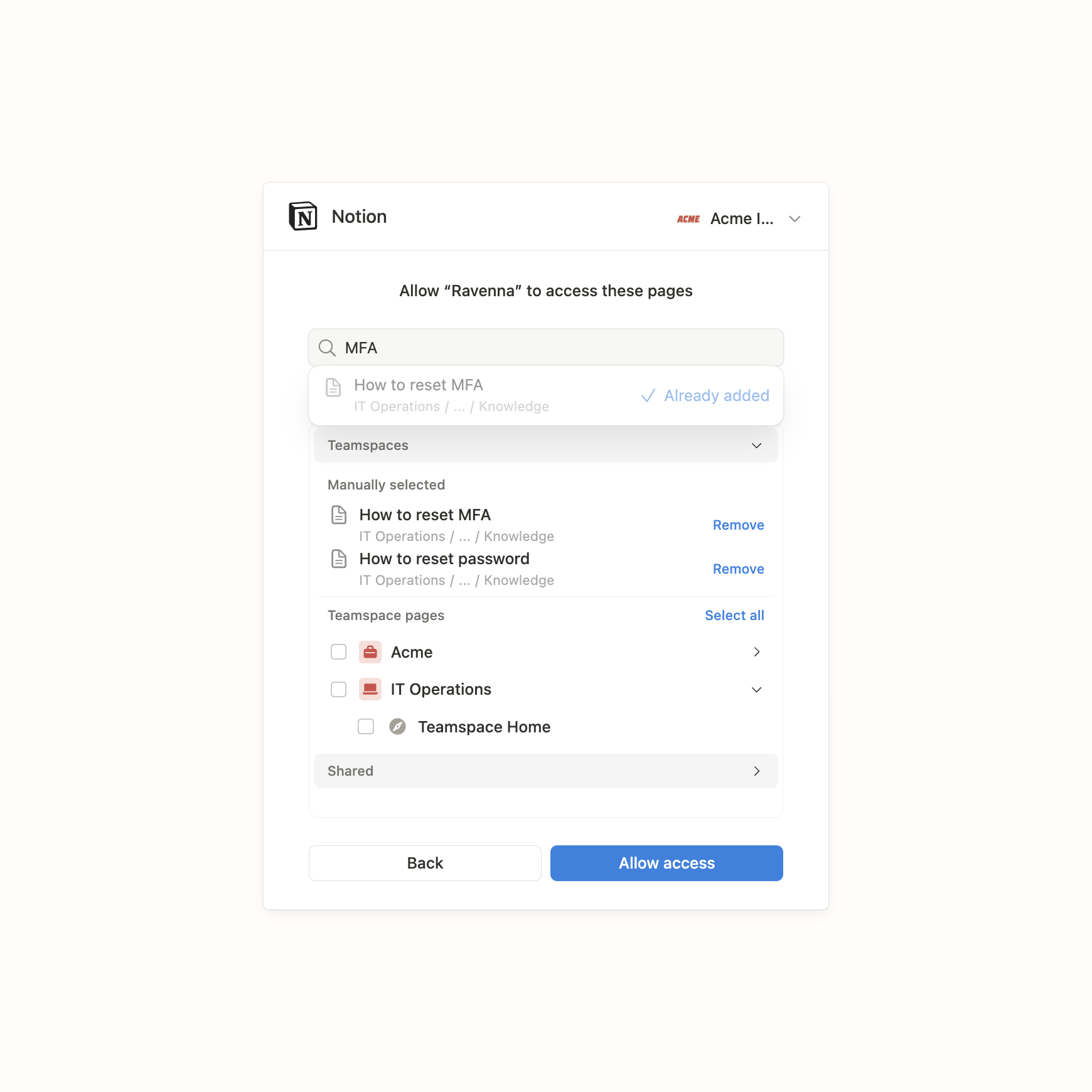
In the page picker you can grant access at the workspace level to index everything, limit access to specific parent pages such as a single database, or search for individual pages.
Click Allow access when you are done.
Grant the narrowest access that covers your answers. Indexing an entire Notion workspace pulls in meeting notes and drafts, and every irrelevant document is one more thing search has to rank past.
5
Watch documents ingest
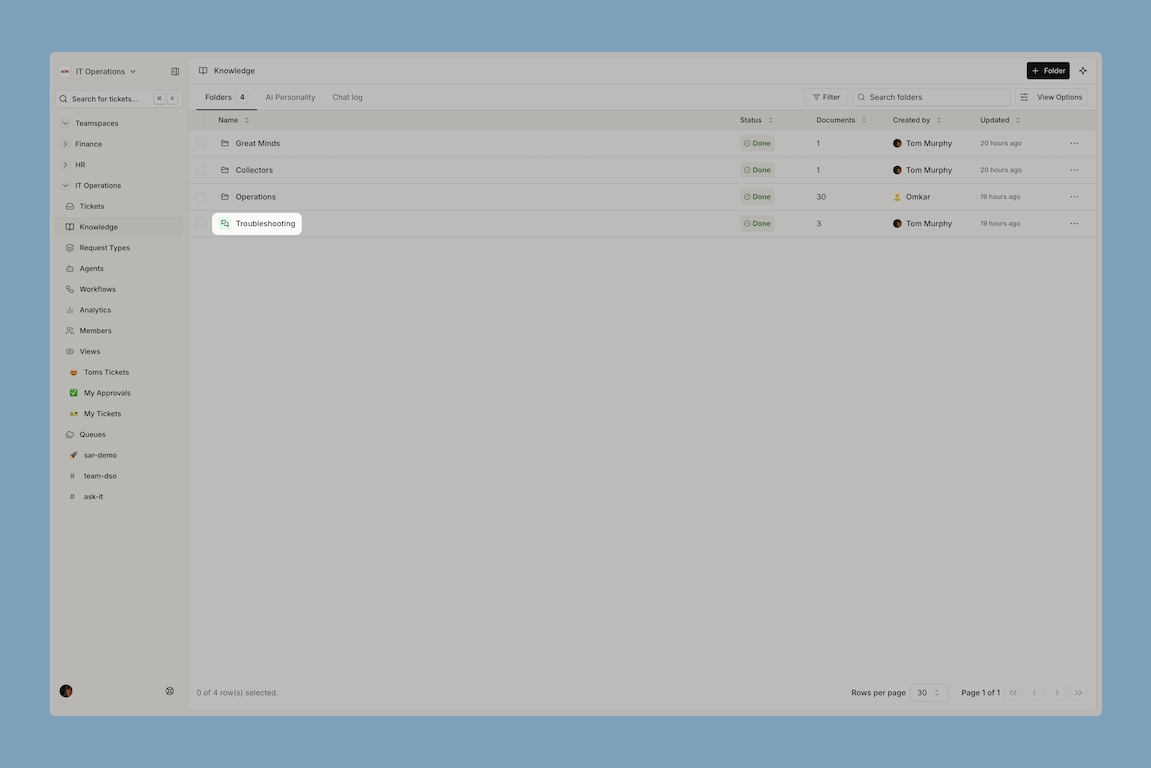
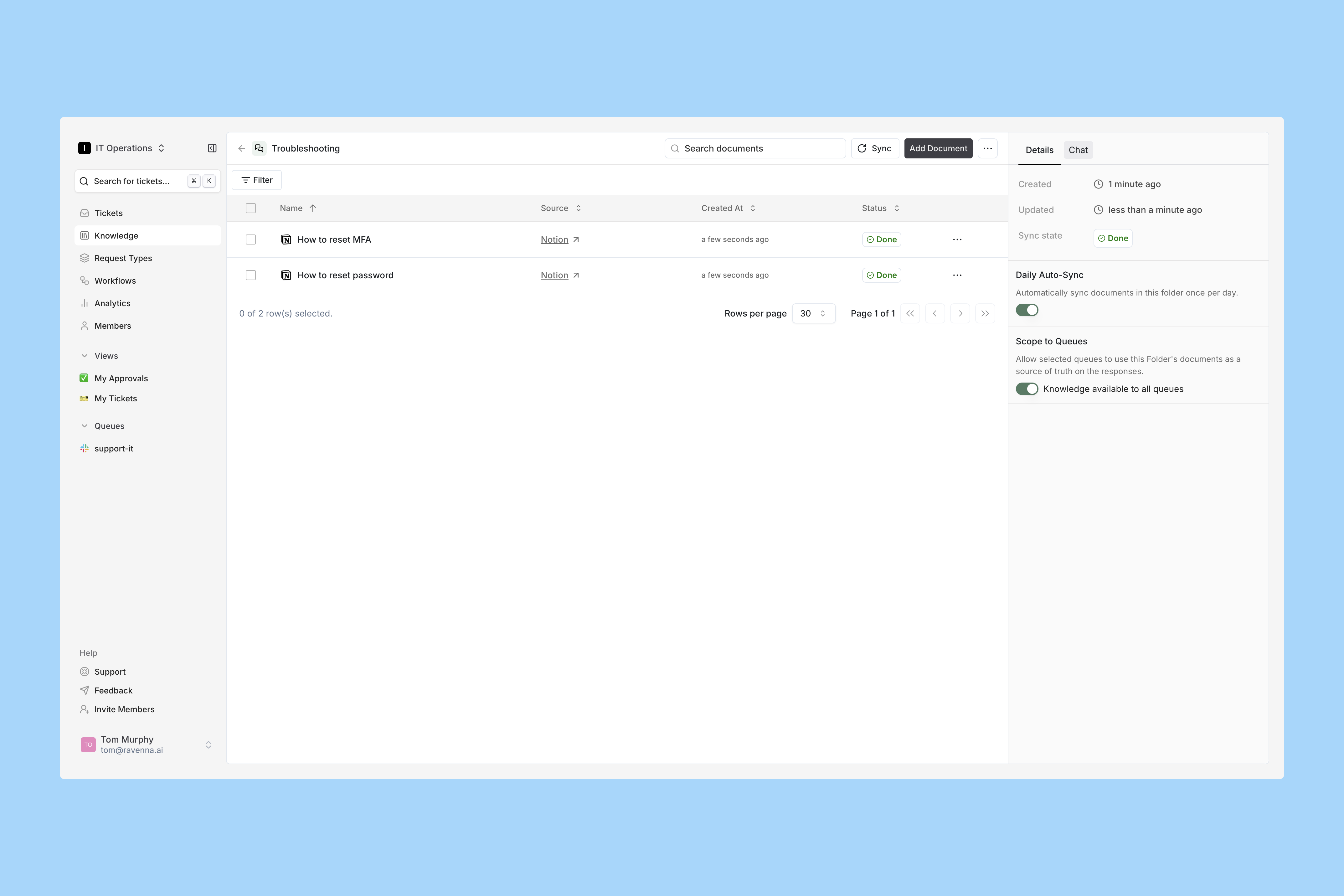
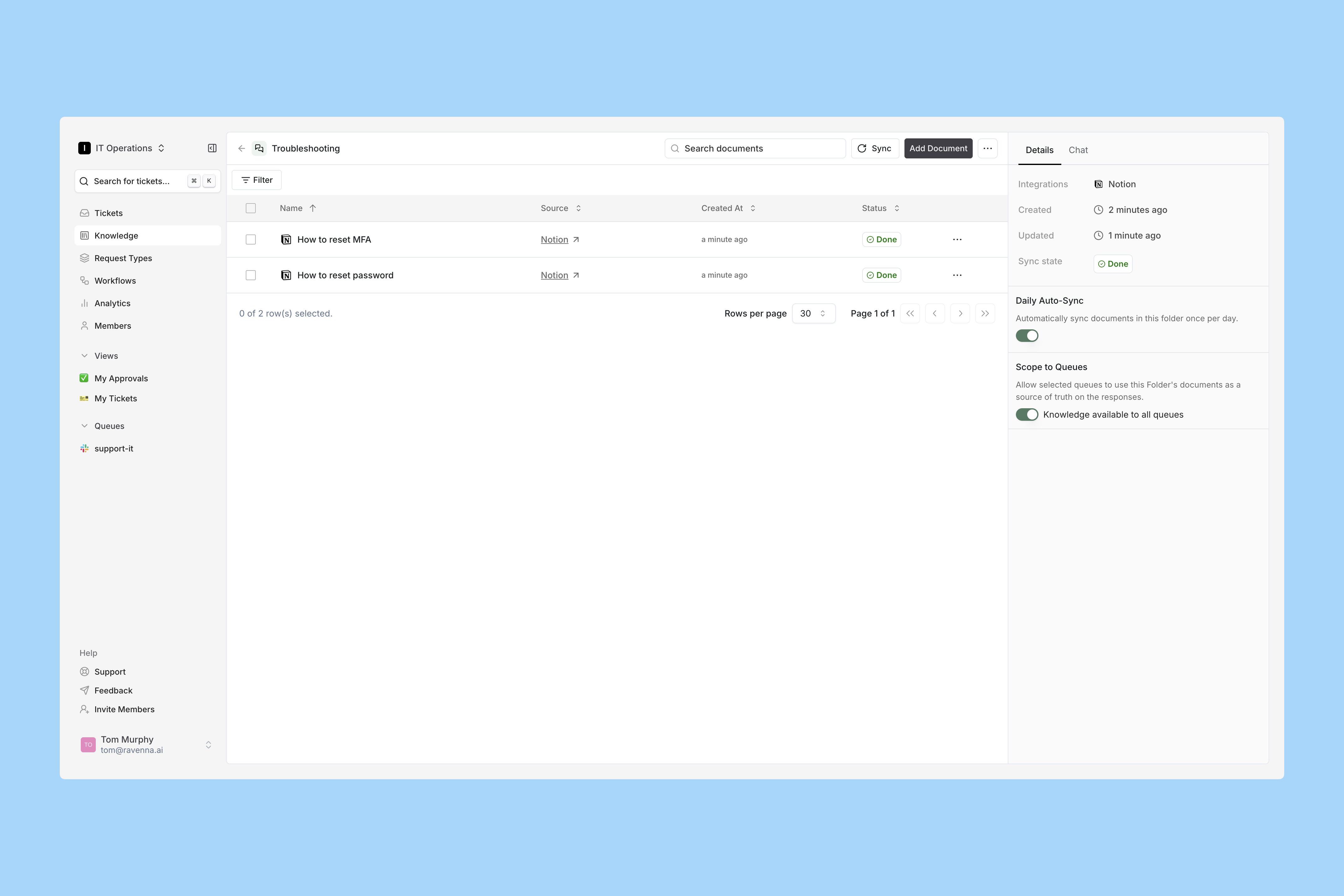
Back in the folder, documents start indexing. Track progress in the Status column.
6
Test it before anyone else does
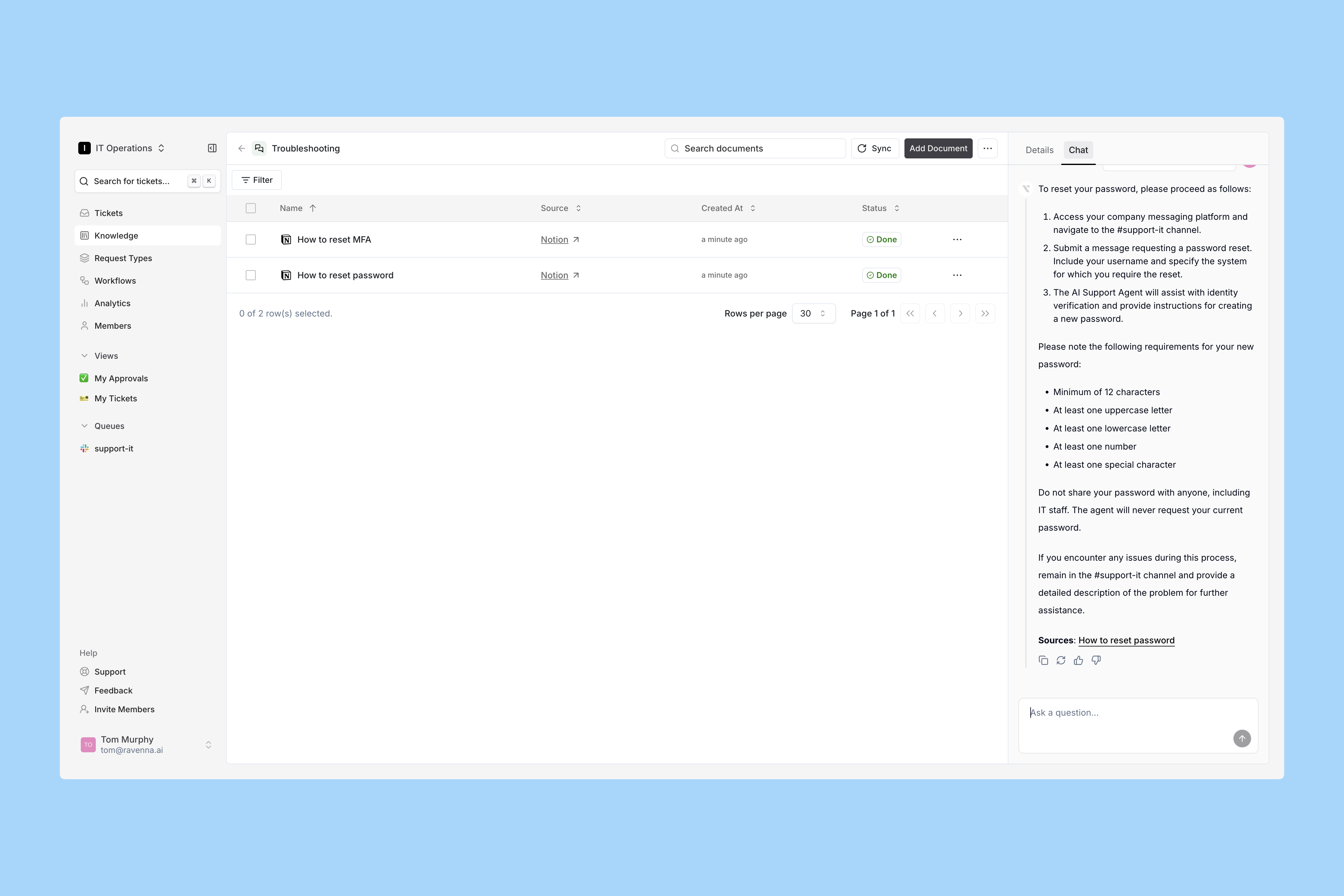
Once Status reads Done, open the Chat tab in the right sidebar and ask the questions your team actually gets.
For each answer you can upvote or downvote to improve results, copy the response, or regenerate it.This is the cheapest place to find out that a policy page is three years old or that the answer only exists in a screenshot. Fix the source document, sync, and ask again.
7
Set sync and scope
Open the Details tab in the right sidebar.
Daily auto-sync refreshes every document in the folder once a day. Turn it on for anything that changes.
Knowledge to all channels is on by default. Turn it off to restrict the folder to specific channels.
Agents limits the folder to specific agents.
Channel and agent scoping stack. An agent reaches a folder only if both the channel and the agent are permitted.
Search from the Folders tab matches folder names and document titles across every folder in the workspace, so you do not need to remember which folder owns a runbook. Selecting a folder result opens it with your search term still applied.
Your first import will not cover everything, and that is expected. Ravenna tracks the questions agents could not answer as knowledge gaps, clusters them by topic, and ranks them by severity. Working that list is how knowledge gets good, rather than trying to predict every question up front.